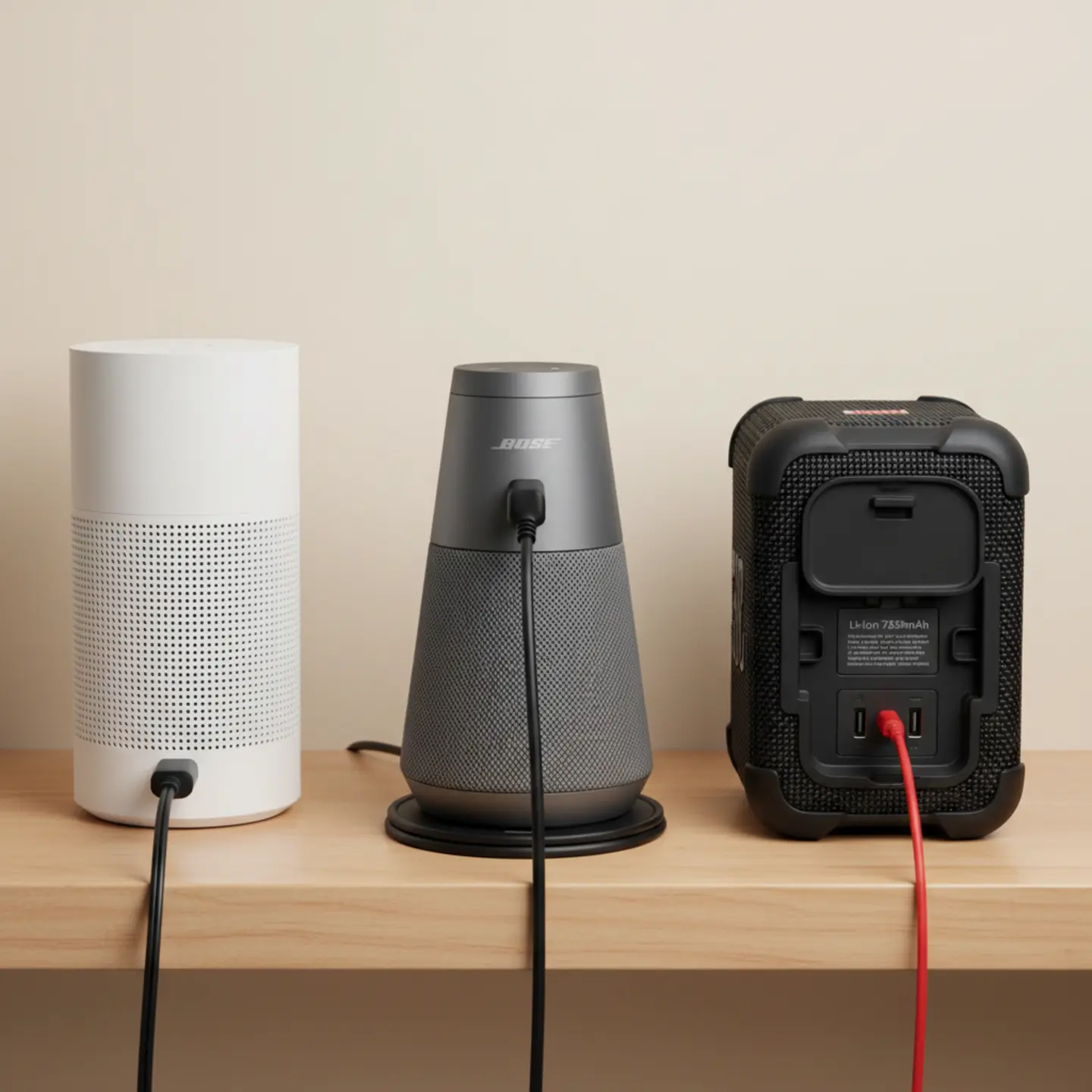
- Wireless speakers still need power — they eliminate audio cables, not electricity. Every Sonos and Bose speaker requires either a wall outlet, battery, or USB connection to operate.
- Power consumption is minimal — most wireless speakers draw only 5–20 watts during operation, comparable to a single LED light bulb, so running them 24/7 adds less than $10 per year to your electricity bill.
- Outlet placement matters more than most people expect — before buying a Sonos or Bose system, identify where your nearest outlets are. Awkward cord placement is the most common installation regret homeowners have.
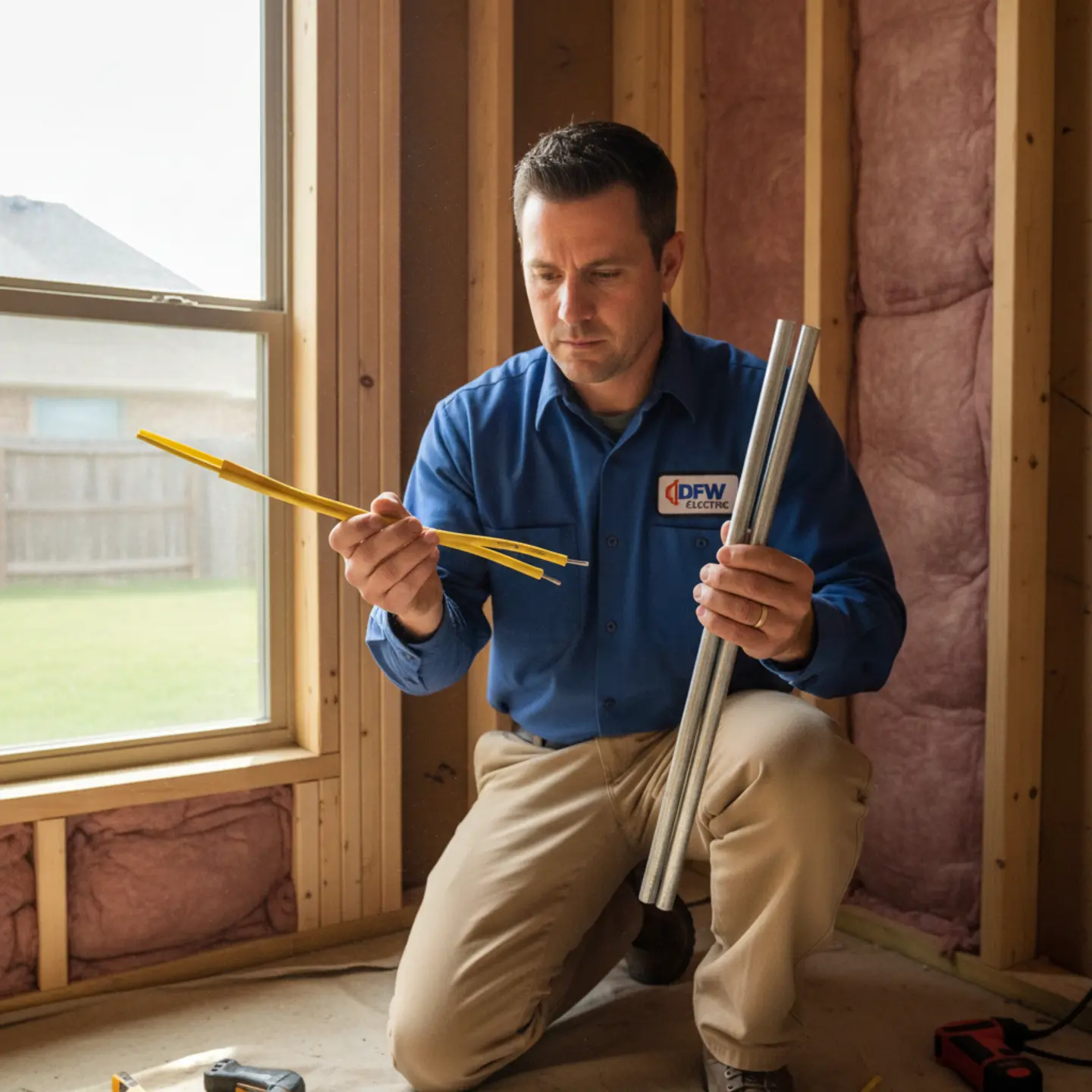
- Outdoor and permanent installations may require a licensed electrician — adding new outlets, installing GFCI-protected outdoor receptacles, or running power to hard-to-reach locations are jobs that need a pro, not an extension cord.
- Trust Epic Electrical for honest electrical work with no upsells, backed by 123+ five-star Google reviews — visit Epic Electrical to learn more about DFW’s father-and-son master electricians.
Do Wireless Speakers Need Power? What You Actually Need to Know About Sonos and Bose Systems
Yes, wireless speakers need power to operate — they’re not truly wireless in the sense of being completely cordless. While they connect to your audio source via WiFi or Bluetooth (no audio cables required), every wireless speaker still requires electrical power from either a wall outlet, battery, or USB connection. The key difference is that you’re eliminating audio cables, not the need for electricity.
Understanding your speaker’s power requirements is essential before installation, whether you’re setting up a single Sonos speaker in your kitchen or a whole-home Bose system.
Epic Electrical
Free Quote & Honest Diagnosis — No Upsells
Core Service Programs:
- Electrical Repairs, Wiring & Lighting for tripping breakers, faulty wiring, GFCI issues, and indoor/outdoor lighting
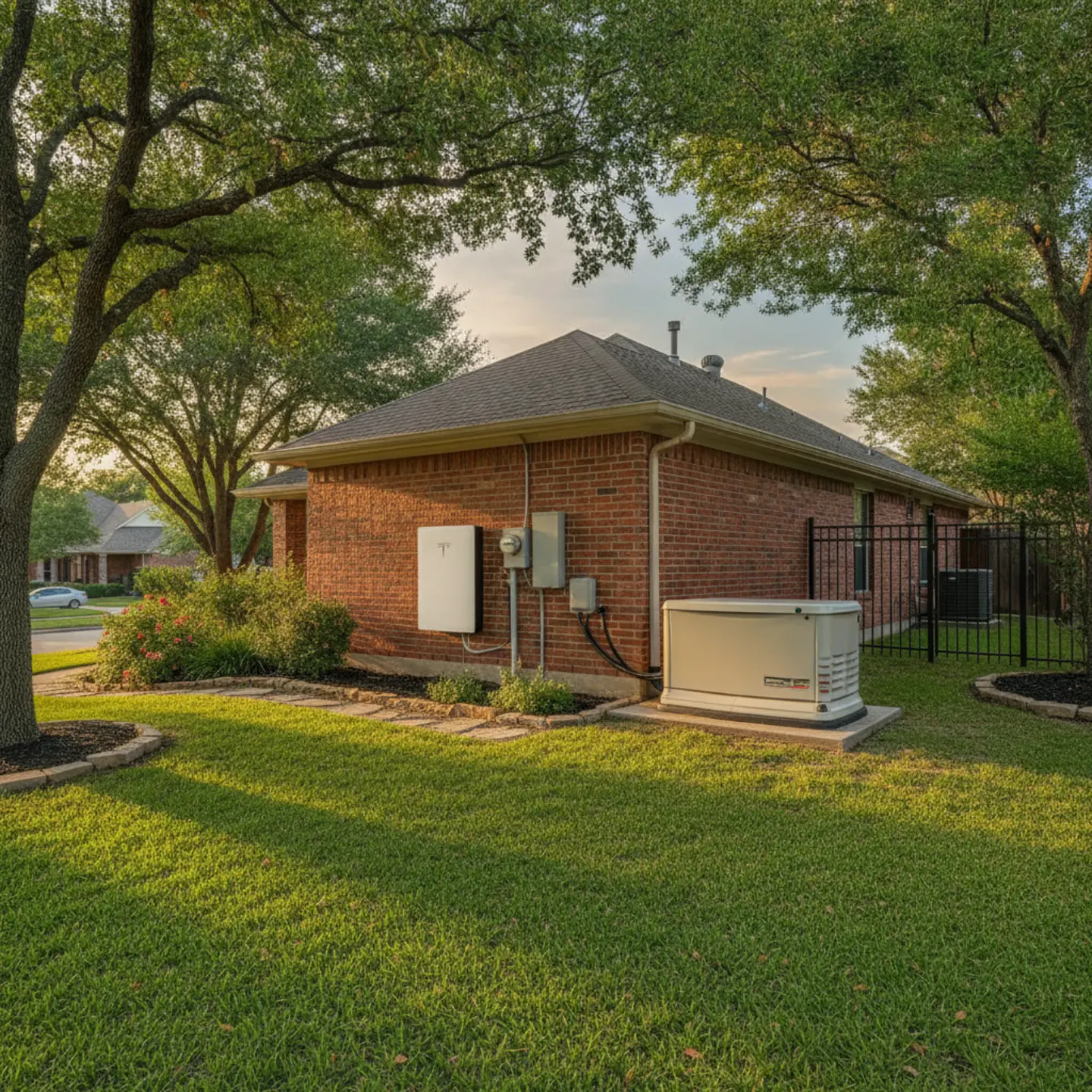
- EV Chargers, Generators & Panel Upgrades for Level 2 EV charging, whole-home generator installs, panel replacements, and surge protection
- Commercial, Warehouse & Industrial Electrical for restaurants, offices, industrial buildouts, LED retrofits, and dedicated circuits
Why Choose Epic Electrical:
- ✓ Trusted by customers with 123+ five-star Google reviews
- ✓ Father-and-son master electricians — a third-generation electrical family
- ✓ Serving North Richland Hills and the DFW Metroplex since 2009
- ✓ 50+ years of combined electrical experience on every job
- ✓ No upsells, no jargon, no pressure — we fix what’s actually broken
- ✓ Small repairs fixed same-visit; big jobs get a written quote with no hidden costs
- ✓ Texas-licensed electrical contractor (TECL #33192)
How Wireless Speakers Get Their Power: The Three Main Options
💡 It’s Normal to Be Confused About ‘Wireless’ Power
Many homeowners assume ‘wireless’ means completely cordless and power-free. You’re not alone in wondering about this — it’s one of the most common questions we hear about modern audio systems.
Wireless speaker power delivery comes in three forms, and which one applies to you depends on the specific model you choose and how you plan to use it.
Plug-In Wireless Speakers (Most Common for Home Systems)
The majority of home audio speakers — including the Sonos One, Sonos Arc, and Bose Home 450 — plug directly into a standard 120V wall outlet via a power cord. This is the most reliable option for permanent room installations because there’s no battery to drain and no recharging schedule to manage. The trade-off is simple: you need an outlet near where you want the speaker to live. If the nearest outlet is on the wrong wall or hidden behind furniture, that’s a planning problem worth solving before you buy.
Battery-Powered Portable Speakers
Models like the Sonos Move and Bose SoundLink series use rechargeable lithium-ion batteries, giving you the flexibility to move the speaker between rooms or take it outside. Battery life typically ranges from 8 to 24 hours depending on the model and volume level. These speakers still need electricity — you’re just charging them periodically via USB-C or a proprietary charging dock rather than keeping them plugged in continuously. For outdoor entertaining or moving music from room to room, battery-powered speakers are a practical choice.
USB-Powered Speakers
Smaller wireless speakers can draw power directly from USB ports on computers, TVs, or power banks. This setup works well for desk setups or temporary installations, but USB-powered speakers are limited in wattage and volume output compared to plug-in models. They’re convenient for renters or anyone who wants to avoid permanent outlet modifications, but they’re not the right choice for filling a living room with sound.
Wireless Speaker Power Consumption: Sonos and Bose Electrical Requirements
The good news for DFW homeowners is that wireless speakers are among the lowest-draw devices you can plug into a wall. Most consume less power than a standard LED light bulb. Here’s what the numbers actually look like for the most popular systems.
Sonos System Power Consumption
Sonos speakers are designed to stay plugged in and connected to your WiFi network at all times, which is why their standby power draw matters. Even in standby mode, they maintain a network connection so they’re ready to play the moment you hit play.
Bose System Power Consumption
Bose home speakers follow a similar power profile to comparable Sonos models. The Bose Smart Soundbar 900 draws slightly more than a standalone speaker due to its processing demands, but it still falls well within what a standard household circuit handles without any concern.
| Speaker Model | Operating Wattage | Standby Wattage | Power Source |
|---|---|---|---|
| Sonos One | 5–6W | 1W | Wall outlet (120V) |
| Sonos Beam (soundbar) | 8–10W | 2W | Wall outlet (120V) |
| Sonos Arc (soundbar) | 10–15W | 2W | Wall outlet (120V) |
| Sonos Sub | 10–15W | 2W | Wall outlet (120V) |
| Sonos Move | Battery (8–10hr runtime) | N/A | USB-C / charging base |
| Bose Home 450 | 8–10W | 2W | Wall outlet (120V) |
| Bose Smart Soundbar 900 | 15–20W | 2W | Wall outlet (120V) |
| Bose SoundLink Revolve | Battery (12–16hr runtime) | N/A | USB-C charging |
To put this in perspective: a standard household circuit in a DFW home is rated for 15 or 20 amps at 120V, meaning it can handle 1,800–2,400 watts of load. A full Sonos system with four speakers and a subwoofer might draw 50–60 watts total — well under 5% of a single circuit’s capacity. Your circuit breakers will never notice these speakers are there.
WiFi vs. Bluetooth: Why Connection Type Doesn’t Affect Power Needs
A common misconception is that choosing Bluetooth over WiFi somehow reduces the electrical requirements of a speaker. It doesn’t. Both connection types are “wireless” only in the sense that audio travels through the air instead of through a cable. The speaker itself still needs electricity to power its amplifier, drivers, and wireless radio — regardless of which protocol it uses.
There is one minor technical distinction worth knowing: WiFi-enabled speakers like Sonos and Bose Home models use slightly more power than Bluetooth-only speakers because they maintain a continuous network connection, monitoring for commands even when not actively playing. That’s why Sonos speakers draw 1–2 watts in standby mode rather than zero. Bluetooth speakers can power down their radio more aggressively between connections, which is part of why battery-powered Bluetooth models tend to have longer runtimes than WiFi speakers of similar battery size.
For practical purposes, neither connection type changes what you need from your home’s electrical system. A standard 120V outlet handles both equally well.
Outlet Placement and Electrical Considerations for Your Wireless Speaker Setup
💡 Pro Tip: Check Your Outlet Placement Before Buying
Before purchasing a Sonos or Bose system, walk around your desired installation area and identify the nearest outlets. This 5-minute step saves you from awkward cord placement or discovering you need an electrician later.
Standard household outlets provide more than enough power for any consumer wireless speaker — that part is never the issue. The real planning challenge is outlet location. Most homeowners figure this out after the speaker arrives, which is why cord covers and extension cords are such a booming business.
Planning Outlet Placement
Measure the distance from your desired speaker location to the nearest outlet before you commit to a spot. Speaker power cords are typically 4–6 feet long, which sounds like plenty until you realize the nearest outlet is on the opposite wall. Consider whether you can hide cords behind furniture or use paintable cord covers for a cleaner look. Also think about future room layout changes — if you’re placing a speaker in a spot that works now but might shift when you rearrange furniture, a more centrally located outlet gives you more flexibility.
For bathroom installations, keep in mind that any outlet within six feet of a water source must be GFCI-protected under current electrical code. This applies to speakers placed in bathrooms or near kitchen sinks. If your existing outlet doesn’t have GFCI protection, that’s a code compliance issue worth addressing — not just for your speaker, but for your home’s overall safety. Our team handles electrical wiring repairs and GFCI upgrades throughout the DFW area.
When You Might Need an Electrician
Most plug-in wireless speaker setups don’t require any electrical work at all — you plug it in and you’re done. But there are situations where calling a licensed electrician is the right move:
- Adding a new outlet in a wall where no outlet currently exists
- Installing a weatherproof GFCI outlet in an outdoor space for patio or deck speakers
- Running power to a location that’s far from any existing outlet (finished basements, detached garages, covered patios)
- Planning a whole-home audio system where multiple rooms need outlet additions or relocations
These aren’t complicated jobs for a licensed electrician, but they’re not DIY territory either — especially outdoor installations, which require specific weatherproof receptacles and GFCI protection to meet code. Our general electrical services cover all of these scenarios, and we’ll tell you upfront whether a simple outlet relocation solves your problem or whether something more involved is needed.
Common Power-Related Issues and Troubleshooting Your Wireless Speakers
⚠️ Don’t Overload a Single Circuit
While wireless speakers draw minimal power individually, plugging multiple high-draw devices (speakers, TVs, sound systems) into the same circuit can cause breakers to trip. If your speaker keeps disconnecting, an overloaded circuit might be the culprit.
Most wireless speaker problems that look like electrical issues are actually software or network issues. But a few genuine power-related problems do come up, and knowing the difference saves you time and frustration.
Speaker Keeps Disconnecting from WiFi
If your Sonos or Bose speaker keeps dropping its WiFi connection, the first thing to check is whether the speaker has continuous, stable power. Some power strips and smart outlets have built-in timers or energy-saving features that cut power to devices after a period of inactivity — which a speaker in standby mode can trigger. Check that the speaker is plugged into a standard outlet or a power strip without auto-shutoff features. After confirming power stability, check your WiFi signal strength at the speaker’s location and restart both the speaker and your router. If the problem persists, check for a firmware update in the speaker’s app.
Battery-Powered Speakers Won’t Hold a Charge
Lithium-ion batteries in portable speakers like the Sonos Move and Bose SoundLink degrade over time — typically over a 3–5 year lifespan with regular use. If your battery-powered speaker is holding significantly less charge than it used to, the battery itself may be wearing out. To extend battery life, avoid letting the battery drain completely before recharging, and try to keep the charge level between 20% and 80% for day-to-day use. Extreme Texas heat — which DFW homeowners know well — also accelerates battery degradation, so storing battery-powered speakers in air-conditioned spaces when not in use helps. If the speaker is still under warranty, contact the manufacturer about battery replacement options.
Why Epic Electrical Is the Right Choice for Your DFW Home Audio Setup
When your wireless speaker setup requires actual electrical work — a new outlet, an outdoor GFCI receptacle, or a whole-home audio plan — you want an electrician who will give you a straight answer about what’s actually needed. That’s what Epic Electrical has been doing for DFW homeowners since 2009.
Our father-and-son team of master electricians brings 50+ years of combined experience to every job. We understand both the technical side of home electrical systems and the practical realities of what homeowners are actually trying to accomplish. If your Sonos speaker just needs the nearest outlet moved six inches to the left, we’ll tell you that — and do it — instead of recommending a circuit upgrade you don’t need. That’s what 123+ five-star Google reviews are built on: honest diagnosis, transparent pricing, and work that’s done right the first time.
We serve the entire DFW Metroplex, including Fort Worth, Arlington, Keller, Southlake, Colleyville, Grapevine, and surrounding communities. Whether you’re in a newer North Richland Hills build or an older home in a more established neighborhood, our team knows the local code requirements and what it takes to bring an installation up to standard without unnecessary work.
As a Texas-licensed electrical contractor (TECL #33192), we’re accountable to the same standards every licensed electrician in the state must meet. No shortcuts, no unlicensed work, no surprises on the final invoice. Small repairs get handled same-visit when possible; larger jobs get a written quote before any work begins.
Contact Epic Electrical for a free estimate on any outlet addition, GFCI installation, or home audio electrical work — and get a straight answer about exactly what your setup needs.
Frequently Asked Questions About Wireless Speaker Power Requirements
Can I use a power strip or extension cord for my wireless speaker?
Yes, as long as the power strip or extension cord is high-quality, properly grounded, and rated for the speaker’s wattage — which is typically very low at 5–20 watts. Avoid daisy-chaining multiple power strips together or using damaged cords. Look for power strips with surge protection, which adds a layer of safety for your electronics. For permanent installations where the speaker will stay in one place indefinitely, a dedicated wall outlet is always the cleaner and safer choice.
Do wireless speakers use a lot of electricity?
No — wireless speakers are among the most energy-efficient devices in your home. Most draw only 5–20 watts during active playback, which is comparable to a single LED light bulb. Even running a Sonos One continuously at full volume 24 hours a day, 365 days a year, would add less than $10 to your annual electricity bill at average Texas utility rates. A full multi-room system with four or five speakers still draws less power than a single desktop computer.
What happens to my wireless speaker if the power goes out?
Plug-in speakers stop working immediately when power is lost — no power, no sound. Battery-powered speakers like the Sonos Move or Bose SoundLink will continue operating until their battery drains, making them useful during outages. WiFi-enabled speakers lose their network connection during an outage, but most models remember their previous settings and reconnect automatically once power is restored. If power outages are a recurring concern in your area, a whole-home generator installation keeps your audio system — and everything else — running without interruption.
Can I install a wireless speaker outside, and what electrical precautions are needed?
Yes, but outdoor speaker installations require specific electrical precautions. Any outdoor outlet must be weatherproof and protected by a GFCI (Ground Fault Circuit Interrupter) to prevent electrical hazards from moisture exposure — this is a code requirement, not just a recommendation. If you don’t already have a properly rated outdoor outlet where you want the speaker, you’ll need a licensed electrician to install one. Our team handles outdoor electrical installations throughout DFW and can add a weatherproof GFCI outlet in the same visit. Alternatively, a battery-powered portable speaker sidesteps the outlet question entirely for casual outdoor use.
What makes Epic Electrical different from other electricians for home audio installations?
Our father-and-son master electricians have 50+ years of combined experience and have earned 123+ five-star Google reviews by giving homeowners honest answers — not upsells. If your wireless speaker setup just needs a simple outlet adjustment, we’ll tell you that and handle it efficiently. If something more involved is needed, you’ll get a written quote with no hidden costs before any work begins. As a Texas-licensed contractor (TECL #33192) serving DFW since 2009, we combine the expertise of a large operation with the accountability of a family business. Get a free estimate from Epic Electrical and find out exactly what your home audio setup requires.
Ready to Power Your Sonos or Bose System the Right Way?
Whether you need a new outlet added, an outdoor GFCI receptacle installed, or a complete electrical plan for a whole-home audio system, Epic Electrical gives you a straight answer and honest pricing — no upsells, no surprises. Our father-and-son master electricians have been helping DFW homeowners get their homes set up right since 2009.
Small jobs get handled same-visit when possible. Larger projects get a written quote before any work begins. Either way, you’ll know exactly what you’re getting and what it costs.
Serving Fort Worth, Arlington, Keller, Southlake, Colleyville, Grapevine, North Richland Hills, and all of DFW.
Call us: (682) 478-6088
Pricing, equipment specifications, and project scope mentioned in this article are accurate as of the date of publication and are subject to change. Code requirements and permit needs vary by municipality and property. Please contact us directly for a current quote on your specific home or business.